How Dittu works
Set your phone on a stand facing your monitor. Four steps and Dittu is watching your screen, ready to click, type, and scroll on command.
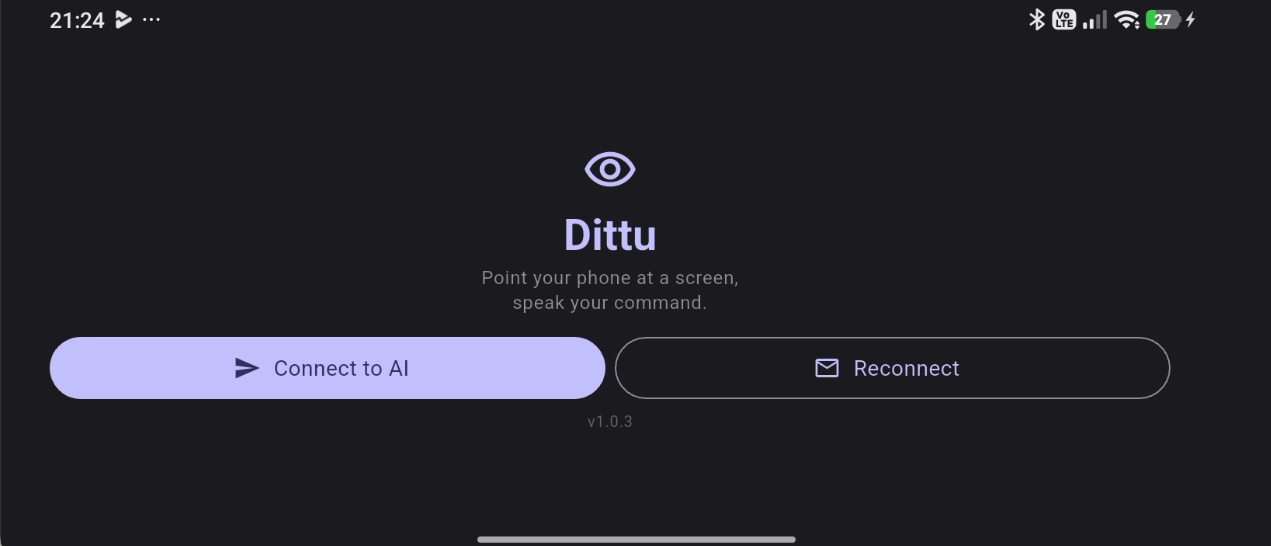
Connect to AI
Open the app and tap Connect to AI. The first time (or after a reconnect), enter your email — Dittu sends an API key to it. If the email doesn't show up, you can just copy the key straight from the phone screen instead.
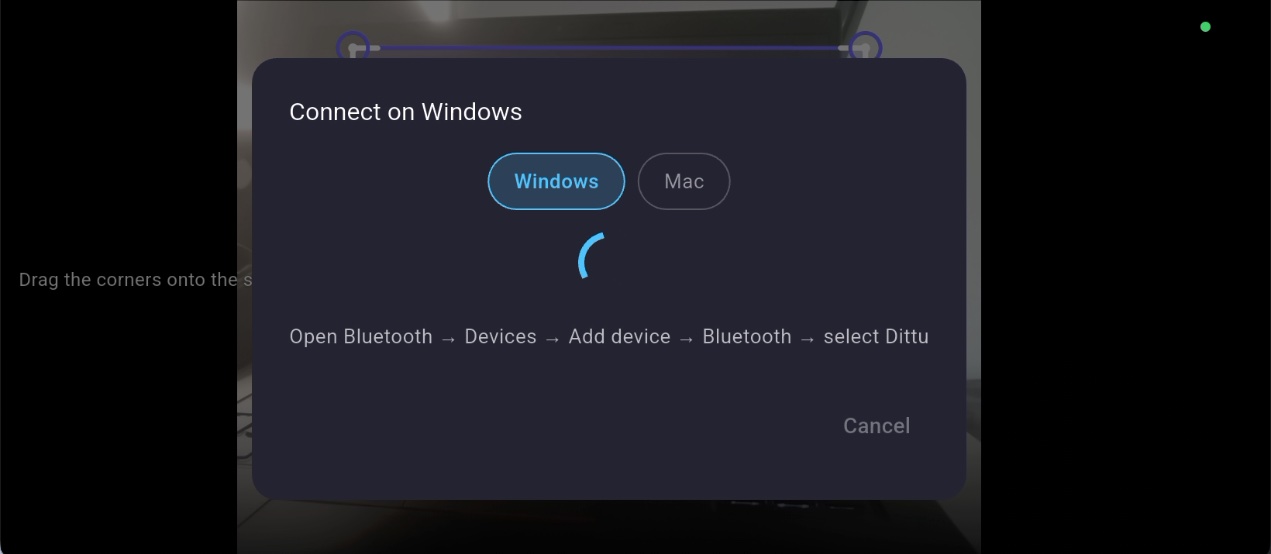
Pair Bluetooth
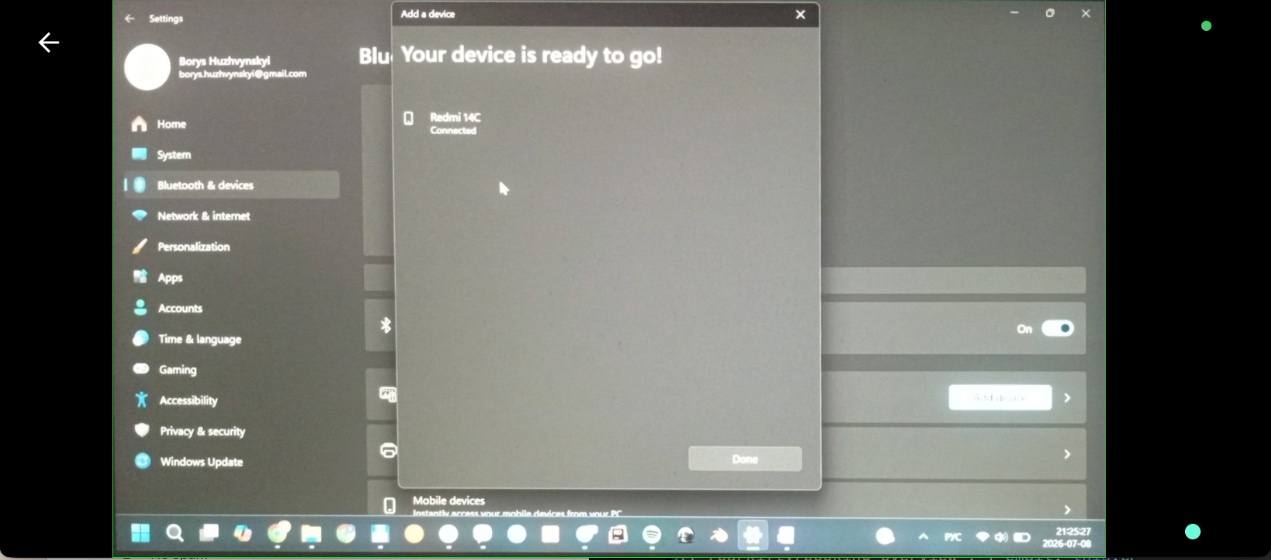
Tap the Bluetooth icon and follow the on-screen steps for your computer — Windows or Mac — to pair Dittu as a keyboard and mouse.
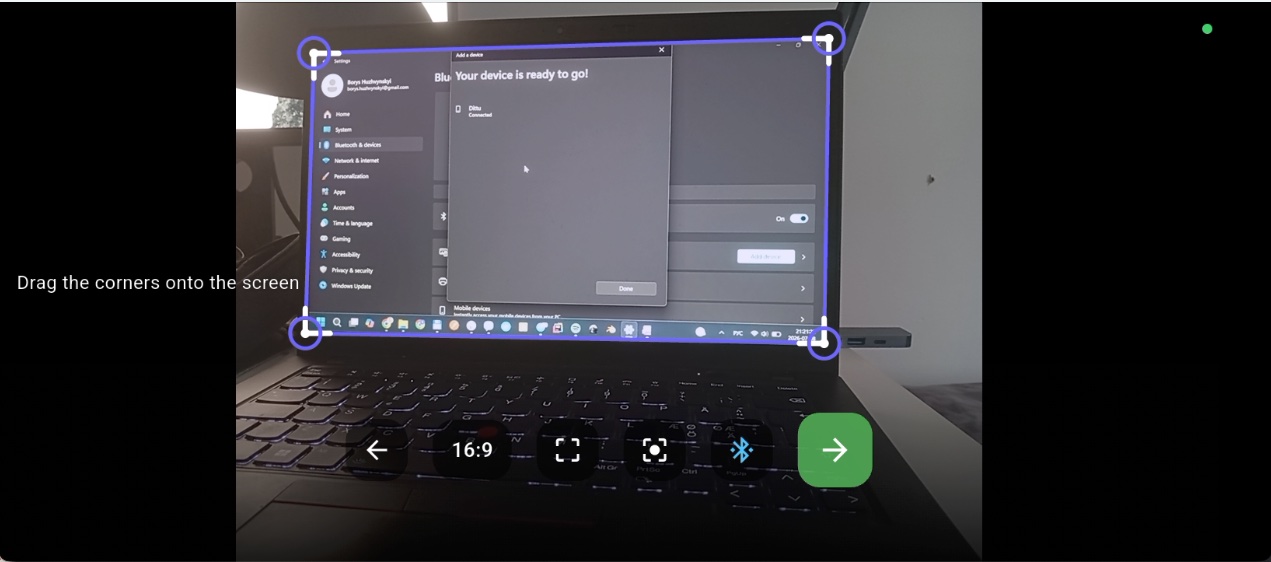
Line up the corners
Drag the four corner handles onto the edges of your monitor in the camera preview. This tells Dittu exactly what it's looking at, no matter the angle.
Confirm and go
Tap the green arrow. Dittu is now watching your screen and connected over Bluetooth — ready for tasks from Telegram or your AI assistant.